
arduino
|
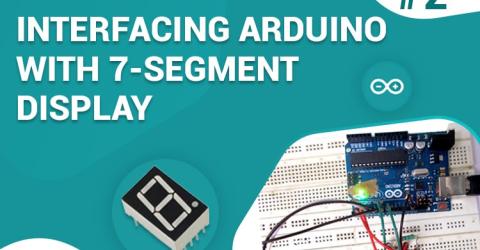
7 Segment Display Interfacing with Arduino In this tutorial we are going to interface a seven segment display to ARDUINO UNO. The display counts from 0-9 and resets itself to zero. Before going further, let us first discuss about seven segment displays. You can also check this detailed tutorial on interfacing arduino with seven segment display. A seven segment display got its name… |
|
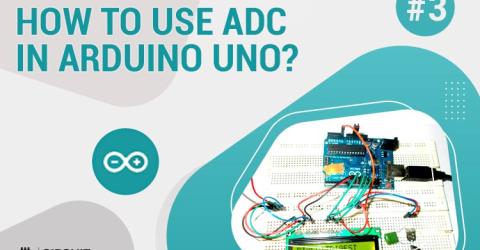
How to Use ADC in Arduino Uno? In this tutorial we are introducing concept of ADC (Analog to Digital Conversion) in ARDUINO UNO. Arduino board has six ADC channels, as show in figure below. Among those any one or all of them can be used as inputs for analog voltage. The Arduino Uno ADC is of 10 bit resolution (so the integer values from (0-(2^10) 1023)). This means that it will map input voltages… |
|
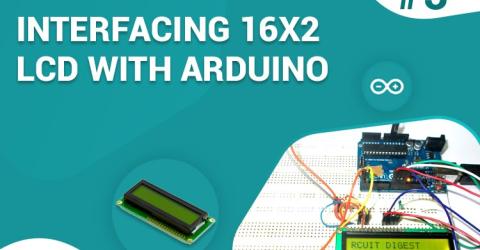
Interfacing 16x2 LCD with Arduino To establish a good communication between human world and machine world, display units play an important role. And so they are an important part of embedded systems. Display units - big or small, work on the same basic principle. Besides complex display units like graphic displays and 3D dispays, one must know working with simple displays like 16x1 and 16x2 units.… |
|
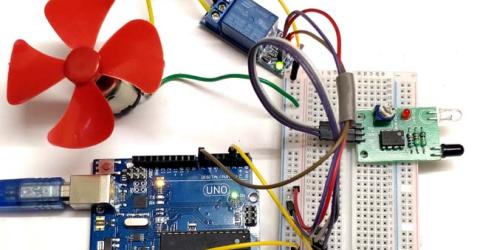
IR Controlled DC Motor using Arduino Arduino has become the most popular Microcontroller among students and hobbyists in very less span of time. So everyone try to use Arduino to make any project, as it is easy and having smooth learning curve. We have created many Arduino projects from basic interfacing projects to advanced robotic projects and IoT projects, you can check all of them in our website. … |
|
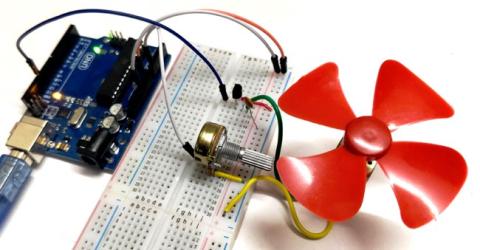
DC Motor Speed Control using Arduino and Potentiometer DC motor is the most used motor in Robotics and electronics projects. For controlling the speed of DC motor we have various methods, like the speed can be automatically controlled based on temperature but in this project PWM method will be used to control the speed of DC motor. Here in this Arduino Motor Speed Control project, the speed can be controlled by… |
|
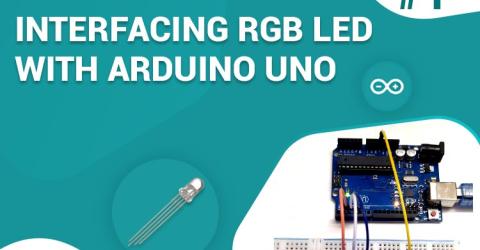
Single RGB LED interfacing with Arduino Uno In this project we are going to interface RGB (Red Green Blue) LED with Arduino Uno. A typical RGB LED is shown in below figure: The RGB LED will have four pins as shown in figure. PIN1: Color 1 negative terminal in common anode or color 1 positive terminal in… |
|
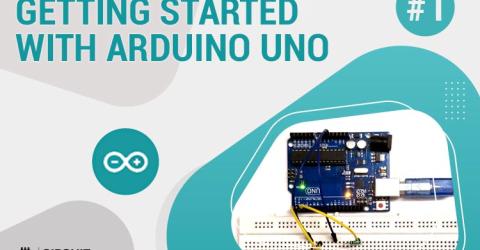
Getting Started with Arduino Uno: Controlling LED with Push Button The name Arduino is typically buzz word among most of the electronics students or hobbyists alike. Its ability to build things faster and cheaper with a massive online community support has made it an ideal choice for many people who are just getting started with electronics or programming. Because of its simplified hardware design and programming environment, it is possible… |