
arduino uno

|
How to Use Shift Register 74HC595 with Arduino Uno In ARDUINO we have 20 I/O pins, so we can program 20 pins of UNO to be used as either input or output. Although there are more pins on ATMEGA328P controller than on UNO, this is because while designing the board some pins are defaulted.
Now for some applications we need more than 30 pins, say if we want to… |
|
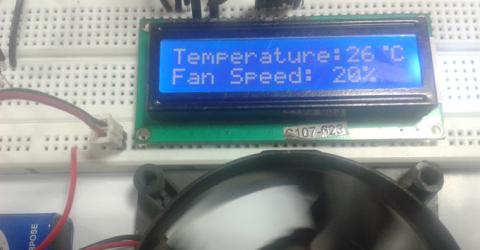
Arduino Temperature Control - Adjust Fan Speed based on Temperature In this arduino based project, we are going to build a temperature-controlled fan using Arduino. With this circuit, we will be able to adjust the fan speed in our home or office according to the room temperature and also show the temperature and fan speed changes on a 16x2 LCD display. To do this we will be using an Arduino UNO Board, LCD, DHT11… |

|
Accelerometer Based Hand Gesture Controlled Robot using Arduino Robots are playing an important role in automation across all the sectors like construction, military, medical, manufacturing, etc. After making some basic robots like line follower robot, computer controlled robot, etc, we have developed this accelerometer based gesture controlled robot by using arduino uno. In this project we have used hand motion to drive the… |

|
Humidity and Temperature Measurement using Arduino Humidity and temperature are common parameters to measure environmental conditions. In this Arduino based project we are going to measure ambient temperature and humidity and display it on a 16x2 LCD screen. A combined temperature and himidity sensor DHT11 is used with Arduino uno to develop this Celsius scale thermometer and percentage scale humidity measurement project. In… |
|
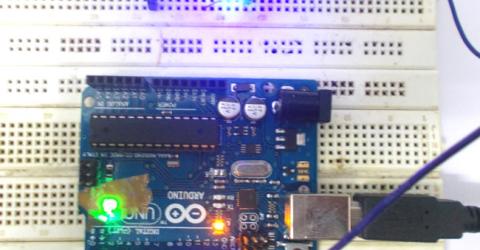
LED Blinking with Arduino Uno ARDUINO UNO is an ATMEGA controller based board designed for electronic engineers and hobbyists. Arduino based program development environment is an easy way to write the program when compared to other environment development programs. Components Required Hardware: Arduino uno board, connecting pins, 220Ω… |

|
Computer Controlled Robot using Arduino After designing this line follower robot using arduino uno, I have developed this computer controlled robot. It can be controlled via the computer and we can use specific keyboard keys to move it. It runs over serial communication which we have already discussed in our previous project - PC Controlled Home Automation. … |

|
Automatic Door Opener using Arduino You must have seen automatic door openers in shopping malls and other commercial buildings. They open the door when someone comes near the entrance and close it after some time. A number of technologies are available to make such kinds of systems, like PIR sensors, Radar sensors, Laser sensors, Infrared sensors, etc. In this Arduino based automatic door… |

|
Digital Dice using Arduino We all are familiar with dice and often played LUDO or SANP SIDI (Snake & Ladders) game by using dice. Dice is a squire type solid box which contains 6 different numbers on all of its sides. We throw dice on a surface to get a random number while playing the games. In this project we have tried to replicate it with a digital dice using arduino uno board. In place of… |
|
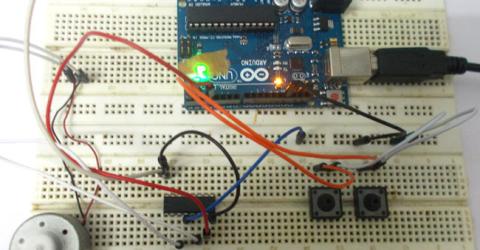
DC Motor Control using Arduino In this tutorial we are going to interface a DC motor to Arduino UNO and control it's speed using PWM (Pulse Width Modulation) concept. This feature is enabled in UNO to get variable voltage over constant voltage. The method of PWM is explained here; consider a simple circuit as shown in figure. This tutorial uses the L293D IC, we have also built a DC motor speed… |
|
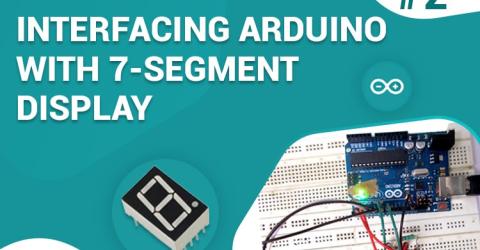
7 Segment Display Interfacing with Arduino In this tutorial we are going to interface a seven segment display to ARDUINO UNO. The display counts from 0-9 and resets itself to zero. Before going further, let us first discuss about seven segment displays. You can also check this detailed tutorial on interfacing arduino with seven segment display. A seven segment display got its name… |
|
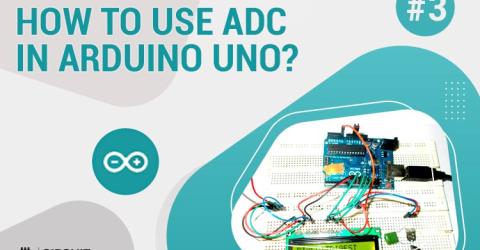
How to Use ADC in Arduino Uno? In this tutorial we are introducing concept of ADC (Analog to Digital Conversion) in ARDUINO UNO. Arduino board has six ADC channels, as show in figure below. Among those any one or all of them can be used as inputs for analog voltage. The Arduino Uno ADC is of 10 bit resolution (so the integer values from (0-(2^10) 1023)). This means that it will map input voltages… |
|
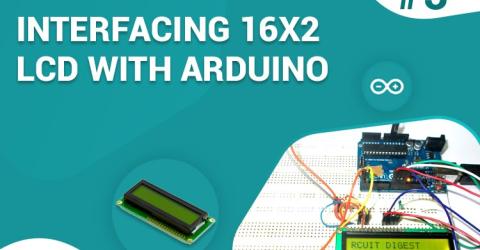
Interfacing 16x2 LCD with Arduino To establish a good communication between human world and machine world, display units play an important role. And so they are an important part of embedded systems. Display units - big or small, work on the same basic principle. Besides complex display units like graphic displays and 3D dispays, one must know working with simple displays like 16x1 and 16x2 units.… |