
Raspberry Pi Pico

|
How to use Bluetooth on Raspberry Pi Pico and Control an LED using Mobile Hey everyone welcome back to the another tutorial of the Raspberry Pi Pico tutorial series. In this tutorial we are going to control an LED with an android app using Bluetooth and Micro Python. The HC-06 Bluetooth module is very cheap and easy to interface with the microcontrollers and it is generally implemented by using the UART communication. So, our task is to… |

|
Interface ESP8266-01 Wi-Fi Module with Raspberry Pi Pico using MicroPython We know that ESP-01 is the best and cheaper module available in the market. As the title suggest, in this tutorial, we are going to interface a separate Wi-Fi module with the Raspberry Pi Pico. We will learn how to connect and program the ESP01 module with Raspberry Pi Pico using Micropython and ESP8266 library. The ESP8266-01 module comes… |
|
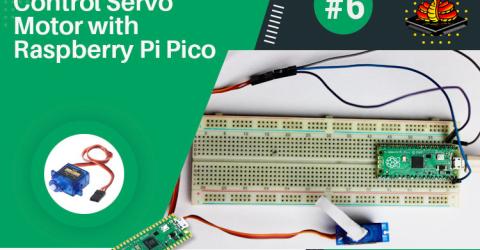
Control a Servo Motor with Raspberry Pi Pico Using PWM in MicroPython With the hope that you are enjoying our Raspberry Pi Pico tutorial series, we are here with another interesting tutorial. In this tutorial, we are going to control a servo motor with Raspberry Pi Pico using Pulse Width Modulation in MicroPython. So far, we have learnt how to interface an OLED and LCD. Along with that, we also got to learn how to implement the… |

|
Interfacing LCD Display with Raspberry Pi Pico using Micropython Hey everyone, in this tutorial we are going to interface a Liquid Crystal Display (LCD) module with the Raspberry Pi Pico using Micropython. By the end of this tutorial, you will be able to display strings, characters on the LCD using Micropython. Before beginning this tutorial, I'm presuming that you've already followed our tutorial series on Raspberry Pi Pico.… |
|
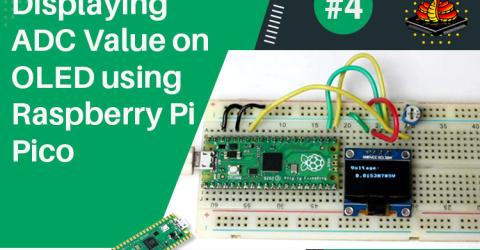
ADC on Raspberry Pi Pico using MicroPython - Reading ADC Value and Displaying on OLED Display Module We are here with yet another tutorial of the Raspberry Pi Pico. If you are following our Raspberry Pi Pico tutorial series, then you already know the basic setup and how to interface an OLED display module with the Raspberry Pi Pico. In this tutorial, we will use the Pico board to perform an ADC conversion. The Raspberry Pi Pico has four 12-bit ADC channels, but one of them… |
|
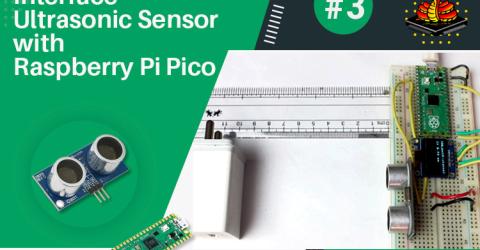
Interfacing Ultrasonic Sensor with Raspberry Pi Pico and Displaying the distance on OLED display Using MicroPython If you are following our Raspberry Pi Pico tutorial series, then you must have read the tutorial on how to interface an OLED display module with a pico board in which we measured the ADC value from the ADC channel of the pico board. In this tutorial, we will interface an ultrasonic sensor with the pico board and we are going to measure the… |
|
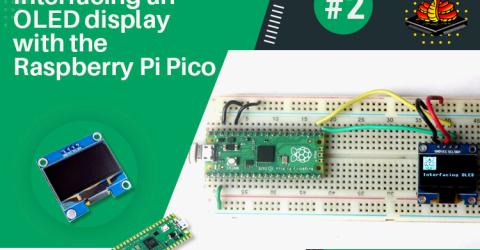
Interfacing an OLED Display with the Raspberry Pi Pico Using Micropython In this tutorial, we are going to interface an OLED display module with the Pico board. You will be able to perform an I2C communication on Raspberry Pi Pico at the end of this tutorial. Here, we are going to display some strings on an OLED display by using Micropython. We already have some articles and projects on the Interfacing of the OLED display. You can refer to those… |
|
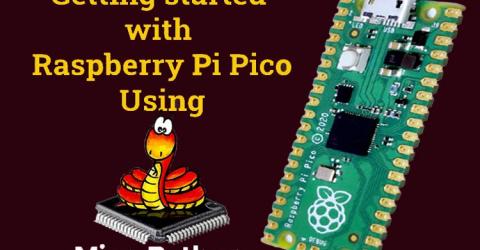
Getting started with Raspberry Pi Pico using MicroPython In 2012, the Raspberry Pi Foundation introduced us to a single board computer, the Raspberry Pi, which was mainly promoted for teaching the basics of computer science to kids. But 9 long years later, in the year 2021, the Raspberry Pi Foundation introduced us to a microcontroller board, the Raspberry Pi Pico which comes with the Raspberry Pi Foundation's own silicon… |
|
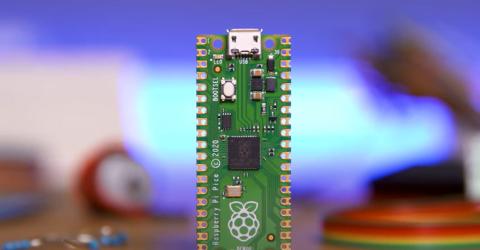
Raspberry Pi Pico – A New 4$ Microcontroller from Raspberry Pi Lets you Easily Build Hardware Projects using MicroPython The Raspberry Pi Foundation has announced the launch of its new development board, the Raspberry Pi Pico. Being one of the first microcontroller-class products from Raspberry Pi, this compact and low-cost board is built on a brand-new chip called RP2040 which was developed by the Raspberry Pi Foundation itself. The RP2040 is a Dual-core Cortex-M0+ processor with 2MB… |