
PYTHON
|
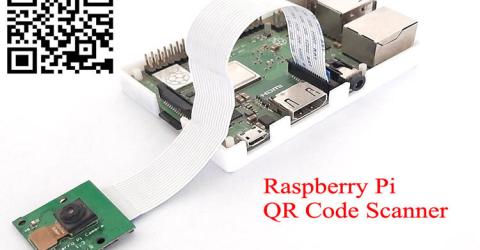
QR Code Scanner using Raspberry Pi and OpenCV QR code (Quick Response code) is a type of matrix barcode that contains information about the item to which it is attached, like location data, identifier, or a tracker that identifies a website or app, etc. It is a machine-readable optical label in the form of a 2D image with a unique pattern. To learn more about QR codes and how to generate a QR code, follow our previous… |

|
Crowd Size Estimation Using OpenCV and Raspberry Pi In today’s world of cutting-edge technologies, Digital Image Processing is growing very fast and become an important part of many digital devices like mobile, security cameras, laptops, etc. The most common applications of Digital Image Processing are object detection, Face Recognition, and people counter. So in this tutorial, we are going to build… |
|
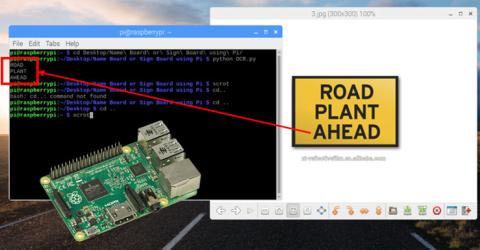
Optical Character Recognition (OCR) using Tesseract on Raspberry Pi The ability of machines to use a camera to look at the real world and interpret data from it would have a greater influence on its applications. Be it a simple food delivery Robot like the Starship Robots or an advanced self driving car like Tesla, they are rely on information obtained from their highly sophisticated cameras to take decisions. In this tutorial we will… |

|
How to Interface PCF8591 ADC/DAC Analog Digital Converter Module with Raspberry Pi Analog to digital conversion is a very important task in embedded electronics, as most of the sensors provide output as analog values and to feed them into microcontroller which only understand binary values, we have to convert them into Digital values. So to be able to process the analog data, microcontrollers need Analog to Digital Converter. Some… |

|
Raspberry Pi Bluetooth Speaker: Play Audio wirelessly using Raspberry Pi Raspberry Pi is a palm sized computer having in-built Bluetooth, Wi-Fi, Ethernet port, Camera port etc. which makes it most suitable microcontroller for IoT based embedded applications. It is also used to make many kind of servers like Print server, Media Server, Web Server etc. Today we will learn how a Raspberry Pi can convert a normal speaker having 3.5mm jack into a… |

|
How to Interface XBee Module with Raspberry Pi In previous tutorial we interfaced the XBee module with Arduino Uno and made them communicate wirelessly using XBee module. Now we will interface XBee module with Raspberry Pi which will act as a receiver and make it communicate wirelessly with another XBee module (XBee explorer board) which is serially connected with the laptop. … |
|
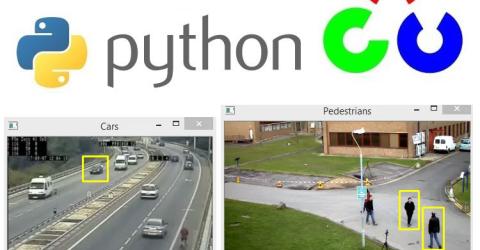
Real Life Object Detection using OpenCV – Detecting objects in Live Video We started with installing python OpenCV on windows and so far done some basic image processing, image segmentation and object detection using Python, which are covered in below tutorials: Getting started with Python OpenCV: Installation and Basic Image Processing Image Manipulations in Python OpenCV (Part 1) Image Manipulations in OpenCV (Part-2) Image Segmentation… |
|
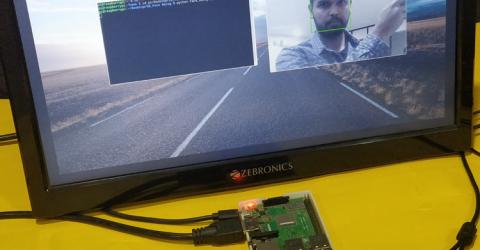
Real Time Face Recognition with Raspberry Pi and OpenCV Face Recognition is getting increasingly popular and most of us are already using it without even realizing it. Be it a simple Facebook Tag suggestion or Snapchat Filter or an advanced airport security surveillance, Face Recognition has already worked its magic in it. China has started using Face Recognition in schools to monitor student’s attendance and behaviors. Retail… |

|
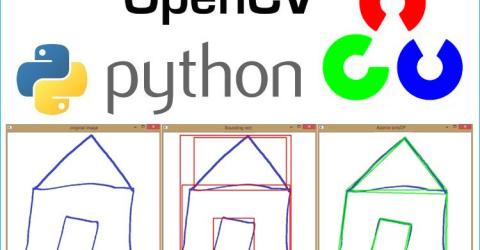
Object Detection using Python OpenCV We started with learning basics of OpenCV and then done some basic image processing and manipulations on images followed by Image segmentations and many other operations using OpenCV and python language. Here, in this section, we will perform some simple object detection techniques using template matching. We will find an object in an image and then we will describe its… |
|
Image Segmentation using OpenCV - Extracting specific Areas of an imageIn the previous tutorials, we have used OpenCV for basic image processing and done some advance image editing operations. As we know, OpenCV is Open Source Commuter Vision Library which has C++, Python and Java interfaces and supports Windows, Linux, Mac OS, iOS and Android. So it can be easily installed in Raspberry Pi with Python and Linux environment. And Raspberry Pi with OpenCV and attached… |
|
Installing OpenCV on Raspberry Pi using CMake Earlier day’s computer obtained input information from keyboards and mouse, now they have evolved to be able to process information from images and videos. The ability of a computer (machine) to extract, analyze and understand information from an image is called as Computer Vision. In recent years the capability of Computer vision has become sophisticated enough, not only to… |
|
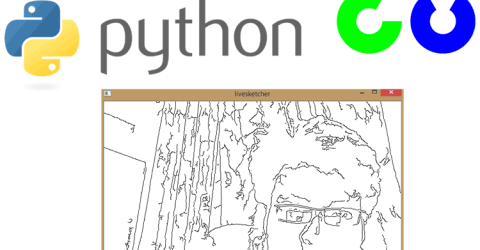
Image Manipulations in OpenCV (Part-2) In the previous tutorials, we have learned about OpenCV and done some basic image processing and then in next tutorial we have done some image manipulation in OpenCV like cropping, rotation, image transformation etc. So in continuation with previous Image Manipulation tutorial, here we learn some more image manipulation techniques like and at the end of the… |