
openCV
|
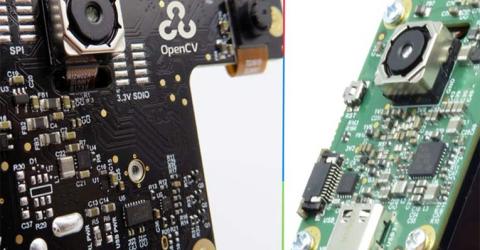
OpenCV Launches Open Source Hardware called OpenCV AI Kit (OAK) for AI and Computer Vision Based Applications Recently launched, OpenCV AI Kit (OAK) is a family of open-hardware Myriad X-based hardware solution for computer vision by OpenCV. The open-source ecosystem composed of MIT-licensed hardware, software, and AI training allows the users to embed the super-power of spatial AI plus accelerated computer vision functions into your product. … |
|
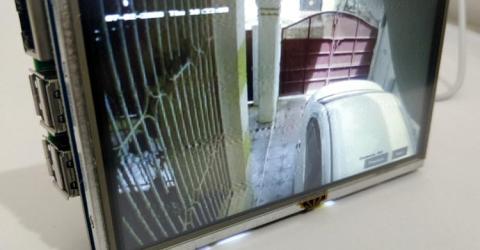
Stream CCTV Video from DVR to Raspberry Pi using Python and OpenCV Most of the workplace and commercial buildings today have a CCTV surveillance system installed to monitored the activities. But often times it is hard for the concerned authority or security personals to monitor the live feed of all the cameras continuously to look for suspicious activity. With computer vision and machine learning advancing at a fast phase, it's about time… |
|
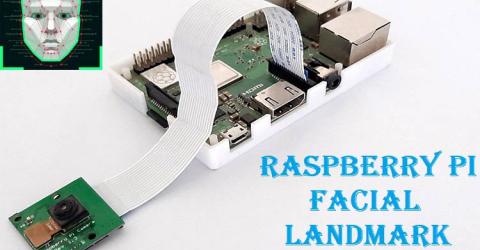
Facial Landmark Detection (Eyes, Nose, Jaw, Mouth, etc.) using Python OpenCV Detection of facial landmarks is the process of detecting various parts on the face such as the Eyebrows, Eyes, Nose, Mouth, and Jaw. There are many applications that use Facial Landmark detection techniques. Previously we build a Face recognition system using OpenCV, today we will use the same OpenCV with Raspberry Pi for facial landmark detection… |
|
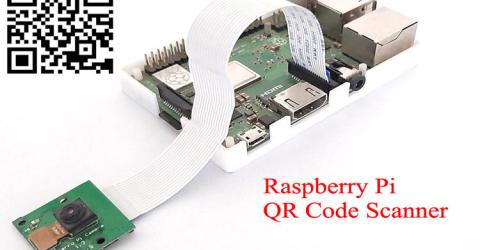
QR Code Scanner using Raspberry Pi and OpenCV QR code (Quick Response code) is a type of matrix barcode that contains information about the item to which it is attached, like location data, identifier, or a tracker that identifies a website or app, etc. It is a machine-readable optical label in the form of a 2D image with a unique pattern. To learn more about QR codes and how to generate a QR code, follow our previous… |
|
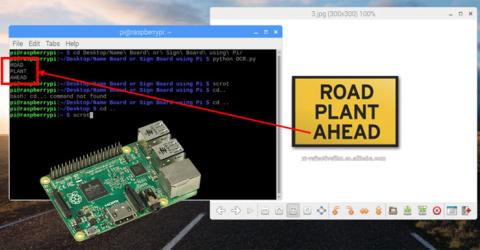
Optical Character Recognition (OCR) using Tesseract on Raspberry Pi The ability of machines to use a camera to look at the real world and interpret data from it would have a greater influence on its applications. Be it a simple food delivery Robot like the Starship Robots or an advanced self driving car like Tesla, they are rely on information obtained from their highly sophisticated cameras to take decisions. In this tutorial we will… |
|
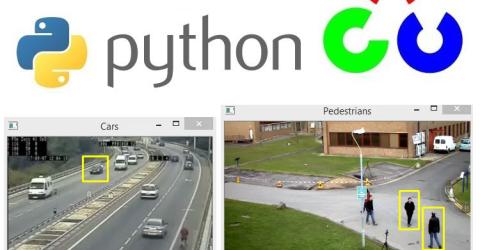
Real Life Object Detection using OpenCV – Detecting objects in Live Video We started with installing python OpenCV on windows and so far done some basic image processing, image segmentation and object detection using Python, which are covered in below tutorials: Getting started with Python OpenCV: Installation and Basic Image Processing Image Manipulations in Python OpenCV (Part 1) Image Manipulations in OpenCV (Part-2) Image Segmentation… |
|
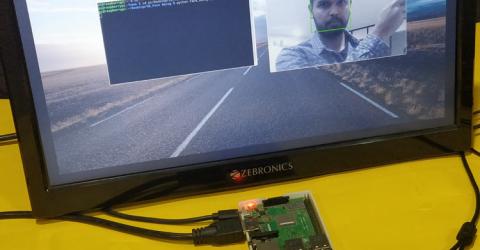
Real Time Face Recognition with Raspberry Pi and OpenCV Face Recognition is getting increasingly popular and most of us are already using it without even realizing it. Be it a simple Facebook Tag suggestion or Snapchat Filter or an advanced airport security surveillance, Face Recognition has already worked its magic in it. China has started using Face Recognition in schools to monitor student’s attendance and behaviors. Retail… |

|
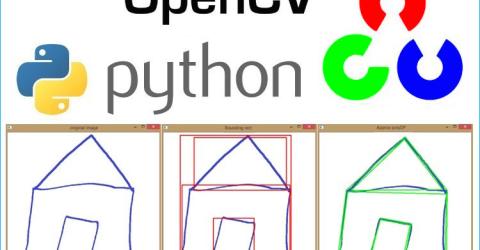
Object Detection using Python OpenCV We started with learning basics of OpenCV and then done some basic image processing and manipulations on images followed by Image segmentations and many other operations using OpenCV and python language. Here, in this section, we will perform some simple object detection techniques using template matching. We will find an object in an image and then we will describe its… |
|
Image Segmentation using OpenCV - Extracting specific Areas of an imageIn the previous tutorials, we have used OpenCV for basic image processing and done some advance image editing operations. As we know, OpenCV is Open Source Commuter Vision Library which has C++, Python and Java interfaces and supports Windows, Linux, Mac OS, iOS and Android. So it can be easily installed in Raspberry Pi with Python and Linux environment. And Raspberry Pi with OpenCV and attached… |
|
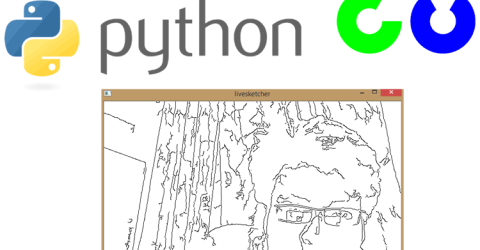
Installing OpenCV on Raspberry Pi using CMake Earlier day’s computer obtained input information from keyboards and mouse, now they have evolved to be able to process information from images and videos. The ability of a computer (machine) to extract, analyze and understand information from an image is called as Computer Vision. In recent years the capability of Computer vision has become sophisticated enough, not only to… |
|
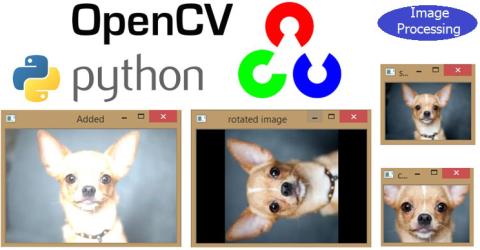
Image Manipulations in OpenCV (Part-2) In the previous tutorials, we have learned about OpenCV and done some basic image processing and then in next tutorial we have done some image manipulation in OpenCV like cropping, rotation, image transformation etc. So in continuation with previous Image Manipulation tutorial, here we learn some more image manipulation techniques like and at the end of the… |
|
Image Manipulations in Python OpenCV (Part 1) In the previous tutorial, we have learned about OpenCV and done some basic image processing using it like grey scaling, color saturation, histogram, color spaces, RGB component etc. As told in the previous tutorial, OpenCV is Open Source Commuter Vision Library which has C++, Python and Java interfaces and supports Windows, Linux, Mac OS, iOS and Android. So it can be… |
